Microsoft 365 Copilot·Learn with Dr Andrew Chew
Your company chose Copilot. Now get good at it. One full day, hands-on, on your own laptop: Chat, Outlook, Teams, Word, Excel and PowerPoint, what is safe to put in, and by five o'clock, a Copilot personal agent you built yourself. No code.
Straight from the booking system, so what you see is what is open. Choose a date and it comes with you: you set up your account on the way, and that date is waiting when you land. Face-to-face in a room centrally located on Beach Road, Singapore. All times Singapore.
Many companies block other AI tools. If Copilot is what IT approved, being good at Copilot is what counts at work.
Most people type a line, get something bland and give up. Prompting, checking the answer, and knowing what may go in. You practise all three, all day.
You are not asked to transform your business. You are shown how to get time back, safely, and you leave knowing exactly where the line is.
No company, customer or personal data is needed. Exercises run on sample files supplied by Impactus, and safe data handling is taught in the morning, before the hands-on work.
Every session is hands-on. You do it on your own laptop while Andrew moves from desk to desk, and each block ends with applied practice on a non-sensitive task of your own.
Everyone signed in and working before teaching begins.
How generative AI works, where it fails, and what it must not be trusted with.
What may and may not be entered, sensitivity labels, your company policy, and how to request anything else.
Context, structure, iteration, and spotting a poor answer before acting on it.
Summarise long documents, pull out actions, compare two files, turn it all into a table.
Email threads, meeting notes and actions. Catch up on a long thread, draft replies in your tone, recap a meeting.
Word. Drafting, restructuring, rewriting for a different reader, tightening.
Excel. Spreadsheets and figures, and how to check what Copilot gives you.
PowerPoint, and image generation for internal use, taught with the rules that govern it.
What a no-code agent is. Build one for a task you repeat: set up, test, refine. Own use only.
Verification, when not to use AI, and how to raise a request.
A Copilot personal agent is Copilot set up for one job, with your instructions built in. You write them once. After that, one click and it does the job the same way every time.
The weekly report. Meeting minutes. The same kind of email reply.
Copilot's Agent Builder turns your description into a first version.
Your format, your tone, what it must never do.
Try it on sample work, tighten the instructions, and it's yours to use on Monday.
Paste rough notes. Get clean minutes and an action table with owners and dates.
Drafts email replies in your tone, in the structure your manager likes.
Turns your bullet points into the same report format every Friday.
Checks a draft for tone, clarity and missing details before you send it.
Copilot personal agents are built for your own use. Sharing agents with colleagues is set by your company's IT.
Bring: a laptop, charged, and your work Microsoft 365 sign-in, plus your phone for the sign-in approval.
Everything hands-on, all day, including agents that use your own work files.
Hands-on in Copilot Chat, and you build a simple agent. Anything that needs the licence, you follow on Andrew's screen.
Welcome for the Chat and app sessions. Building agents needs a work or school account, so that part is a live demo for you.
Before class: an access test (can you sign in and open Copilot's agent creation option?) at least three working days before, and a short pre-course survey so the morning starts at the right level. Sample files are supplied, so no company data is needed.
Explain what AI can and cannot be trusted to do.
Exactly what may and may not be entered into Copilot at your workplace.
Turn a long thread or document into a summary and clear actions.
Draft, restructure and tighten written work.
Get answers out of a spreadsheet without knowing formulas.
A presentable internal visual, without design software.
A simple Copilot personal agent for a task you repeat, without code.
Verify AI output, and recognise when not to use AI at all. Plus a certificate of completion.
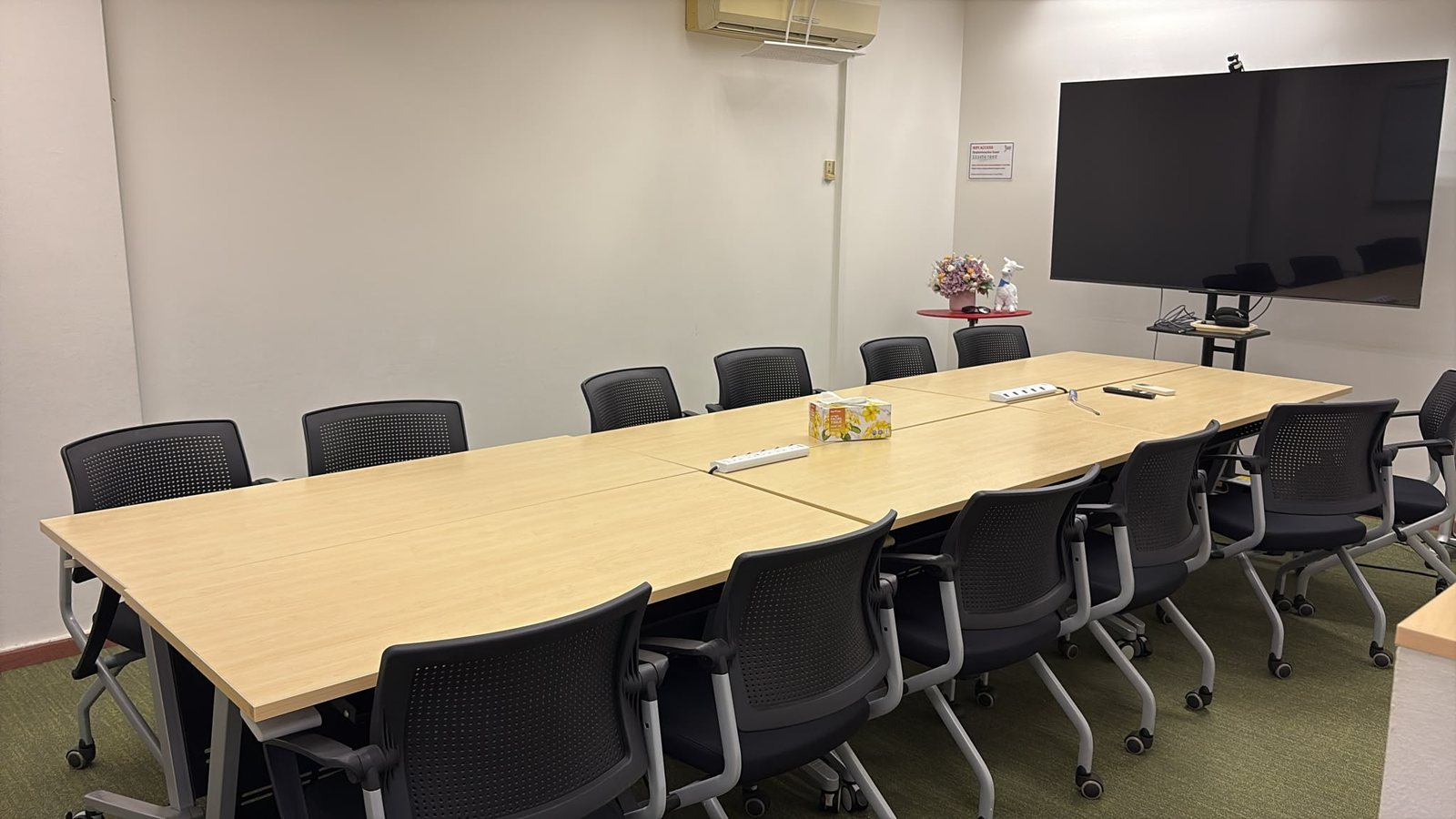
Evershine & Century Complex, 2nd floor (Straits Interactive), Singapore 189681. About six minutes on foot from Esplanade MRT; Bugis and City Hall are close by too. Directions are sent to you after you book.
A full day, with a lunch break from 12:30pm to 1:30pm.
So Andrew can reach every desk more than once. Water, coffee and tea are available.
Founder and Principal Trainer of Impactus Learning. Andrew trains corporate teams on generative AI and lectures on AI and marketing at university level in Singapore. He teaches the rules and the tools together, so you leave knowing both what to do and what not to do.
The full day is S$480 per person. You pay when you book, through Reserve Seat.
It gives you the most, but it is not required. With a work account you can do Copilot Chat and build a simple agent. Anything that needs the licence, you follow on Andrew's screen. See "Your account" above.
Yes for the Chat and app sessions if you have a Personal or Family plan. Building agents needs a work or school account, so for you that part is a demo.
No. We give you sample files to practise on. Each block ends with applied practice on a task of your own, as long as it is not sensitive.
No. The Claude courses are for people free to choose their AI tools. This one is for people who work inside Microsoft 365, where Copilot is the approved tool.
Classes run with a minimum number of participants. If your date doesn't reach it, we offer you a place on another date.
Yes. Andrew runs this as a corporate programme at your office, shaped to your policies and your IT settings. Email andrew@impactuslearning.com for a quote.
Yes, an Impactus Learning certificate of completion.
One day in a small room. You leave with the habits, the confidence, and your own Copilot personal agent.